Steps
Declare the steps, and what flows between them
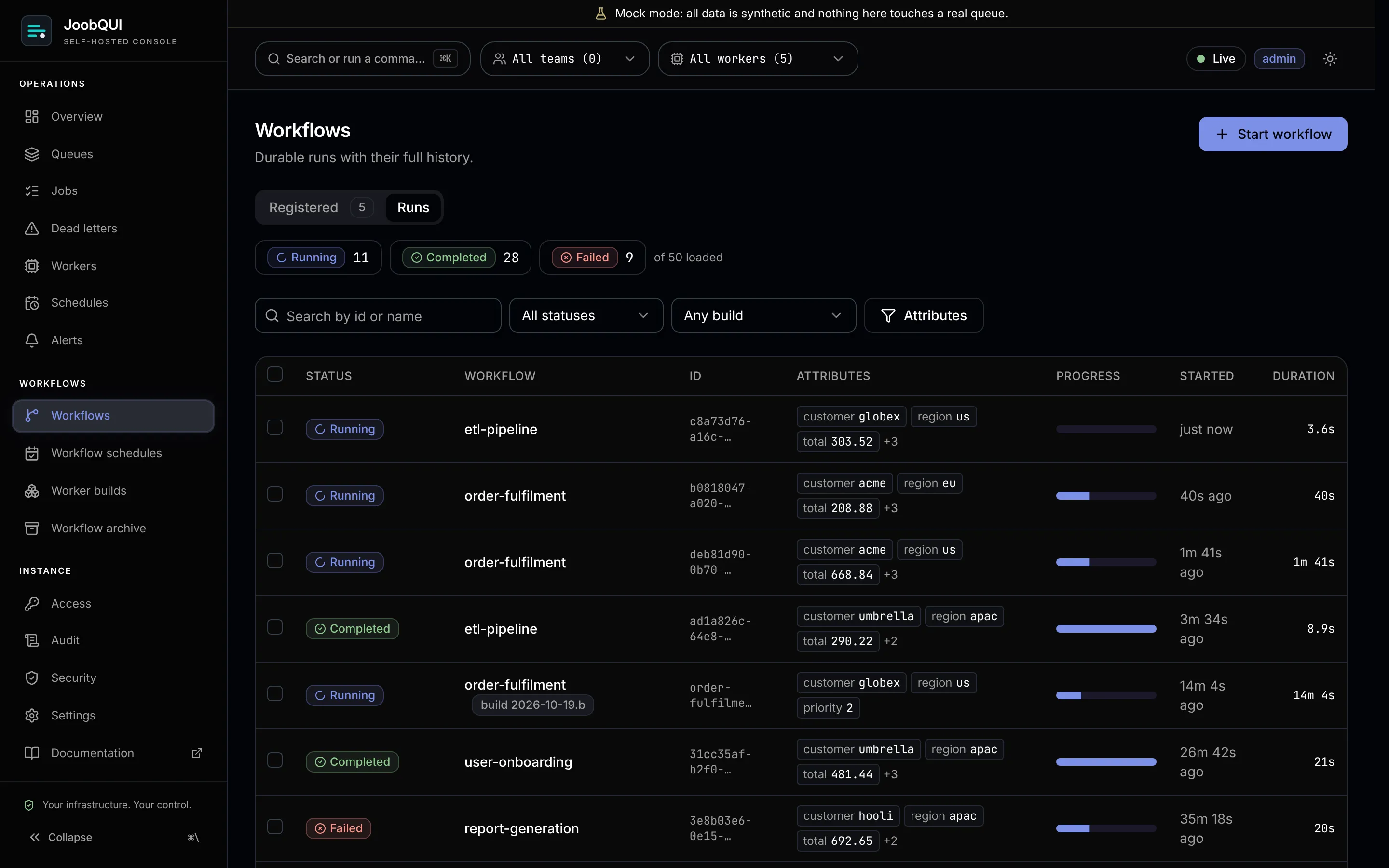
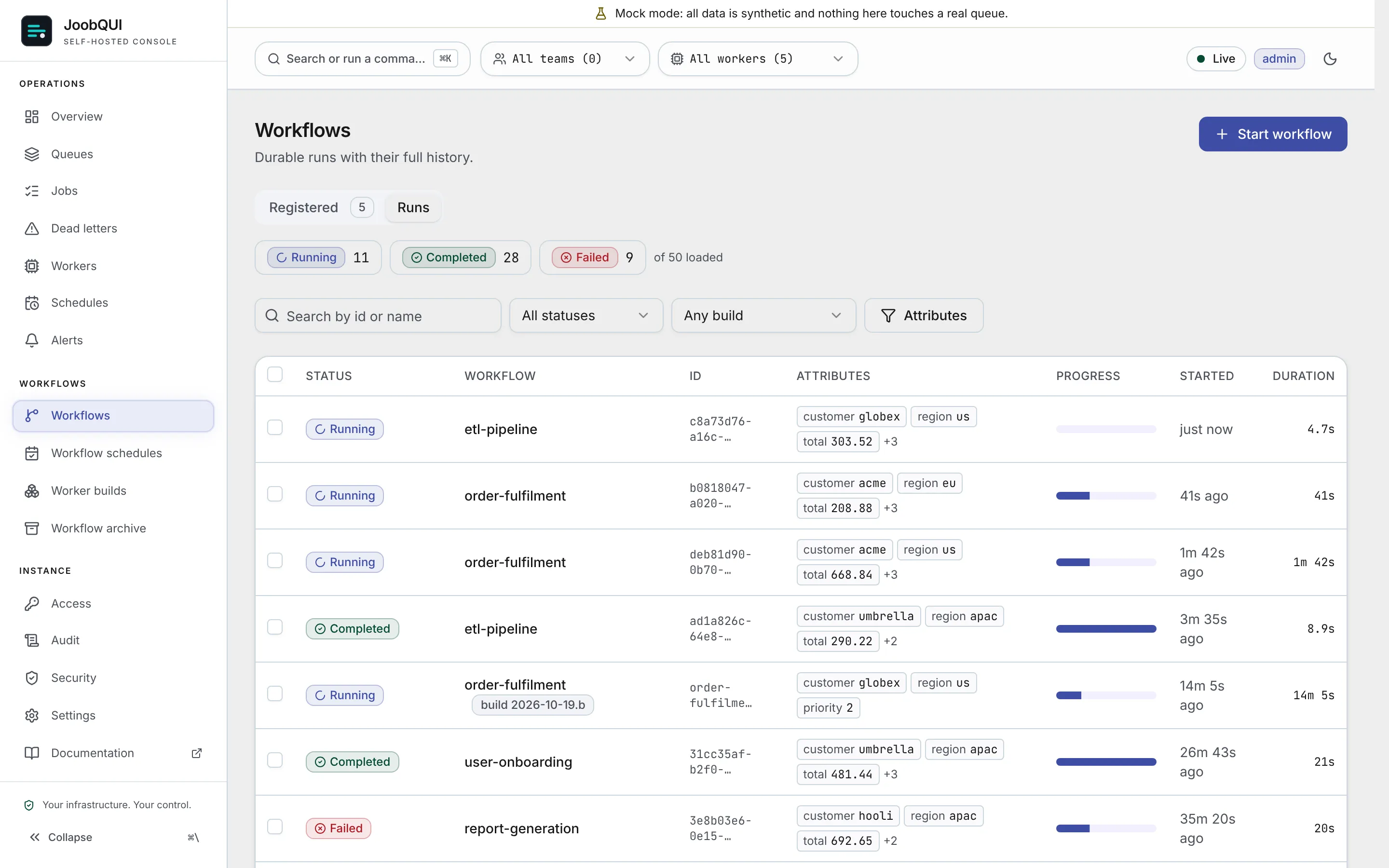
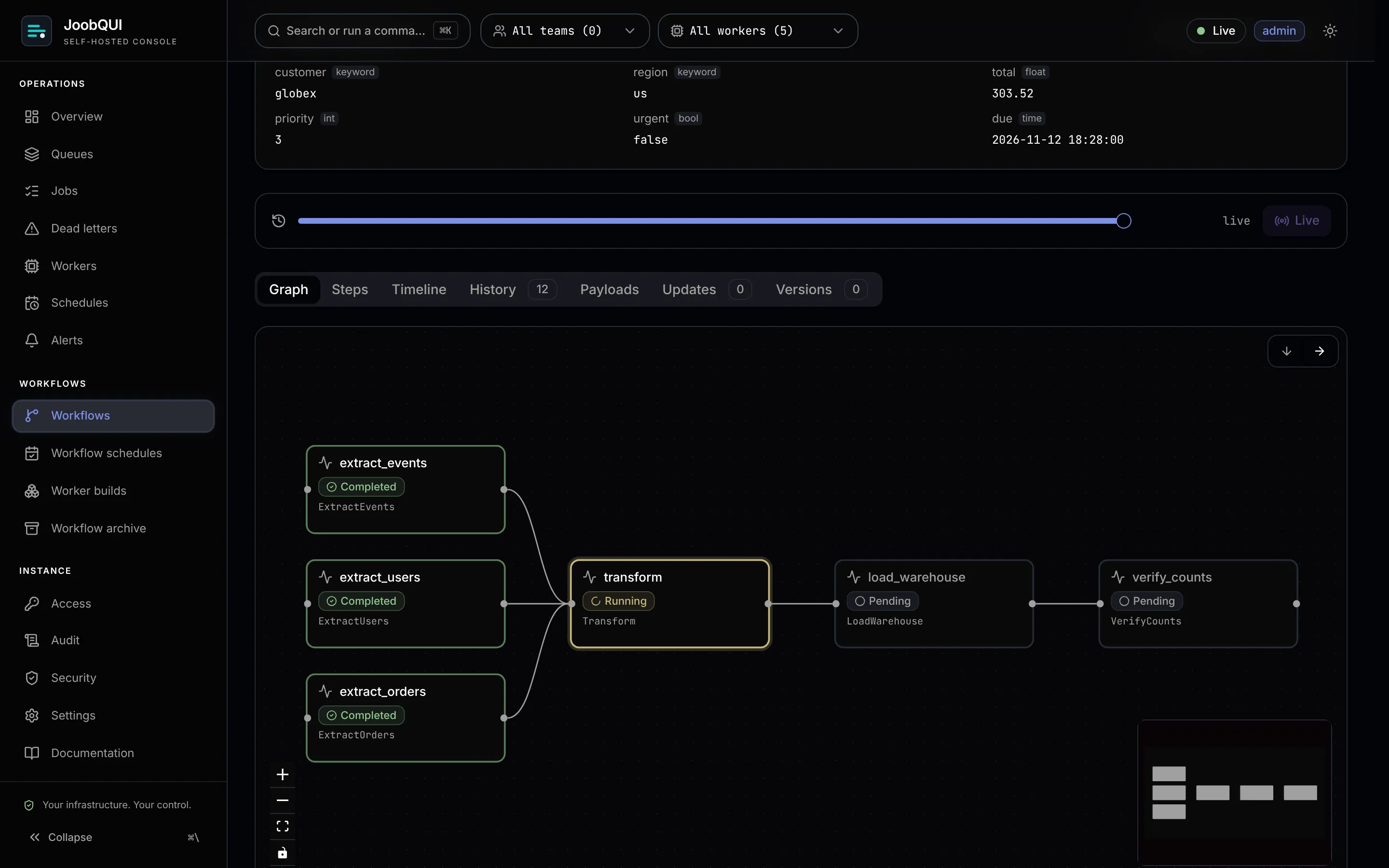
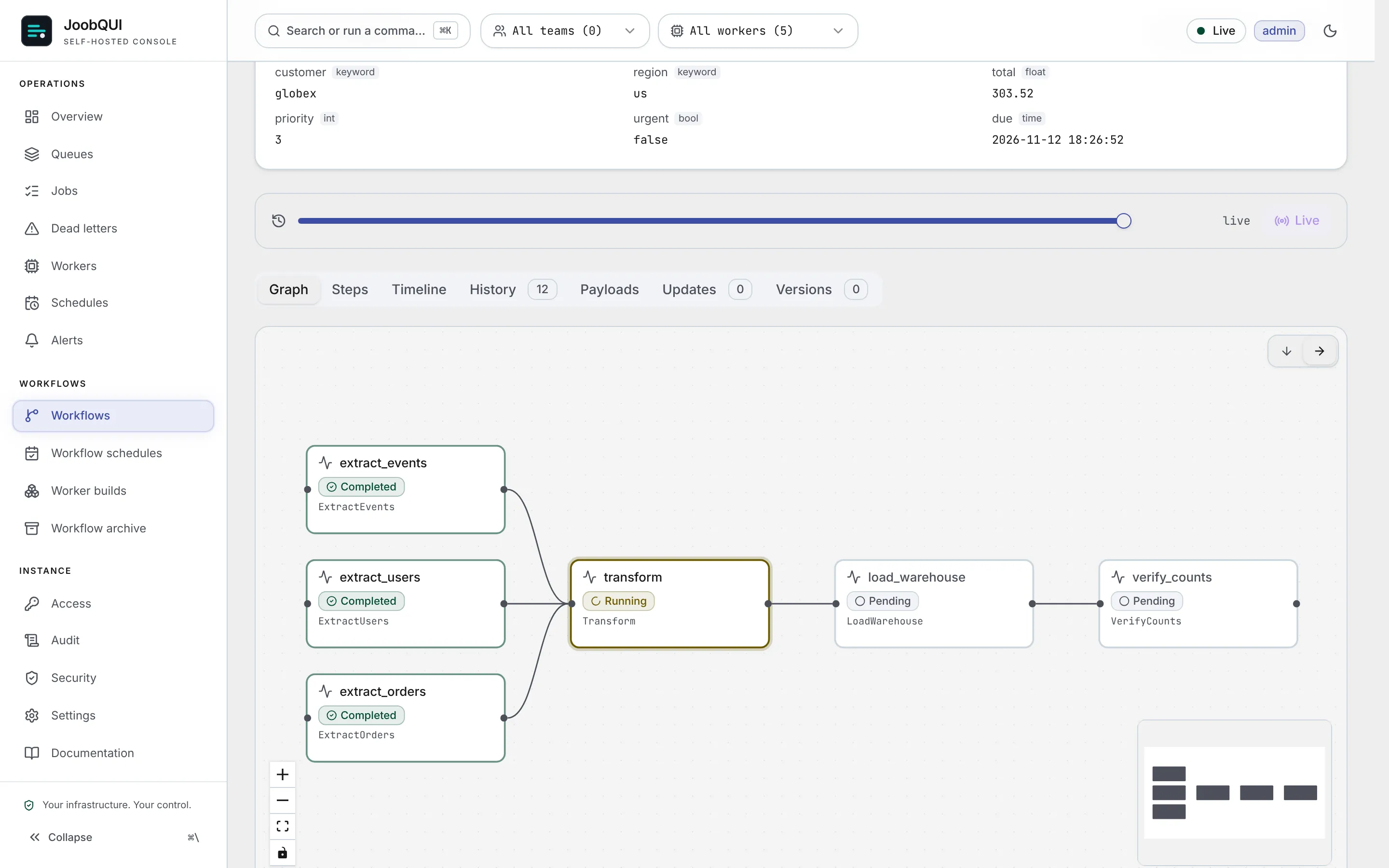
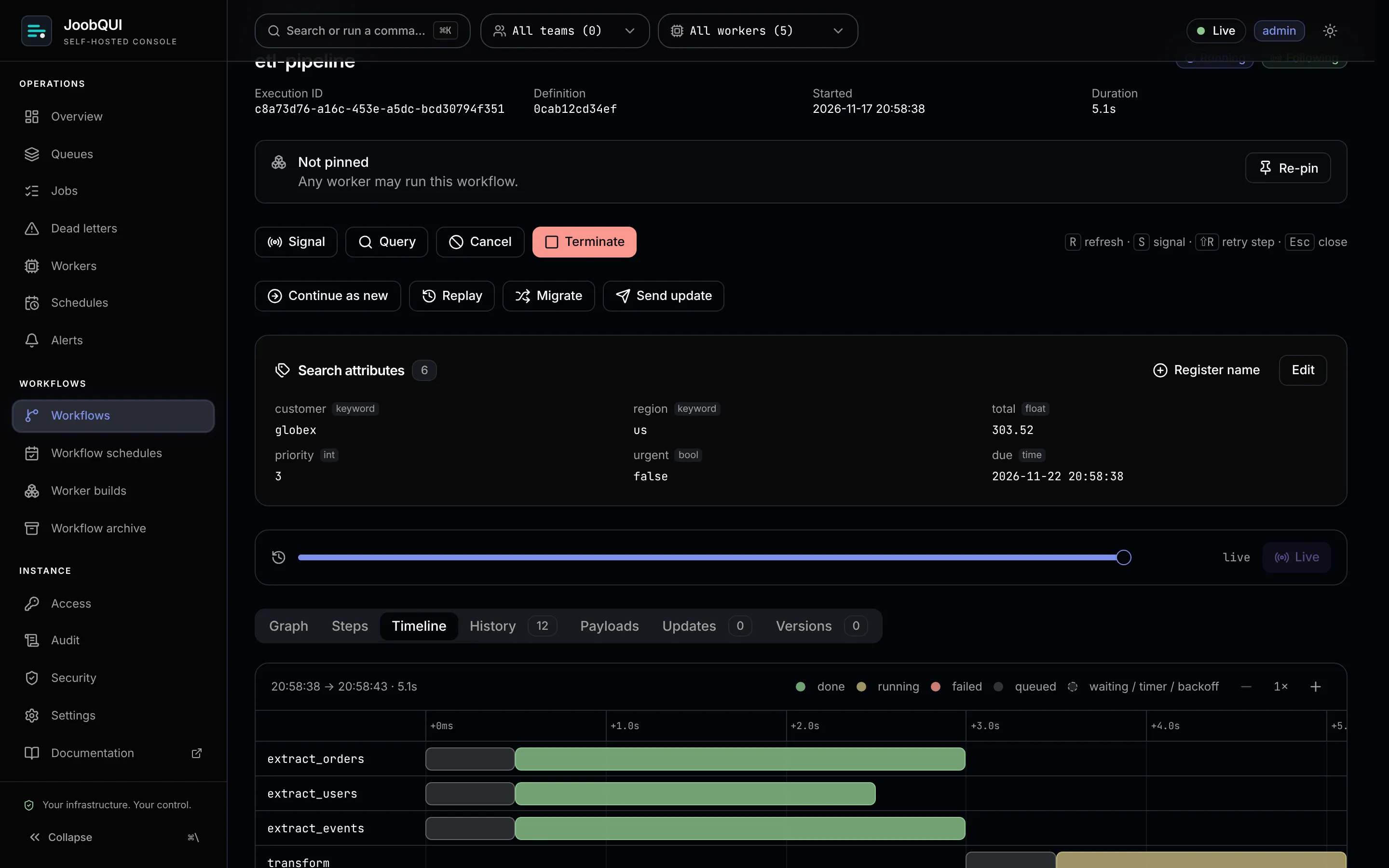
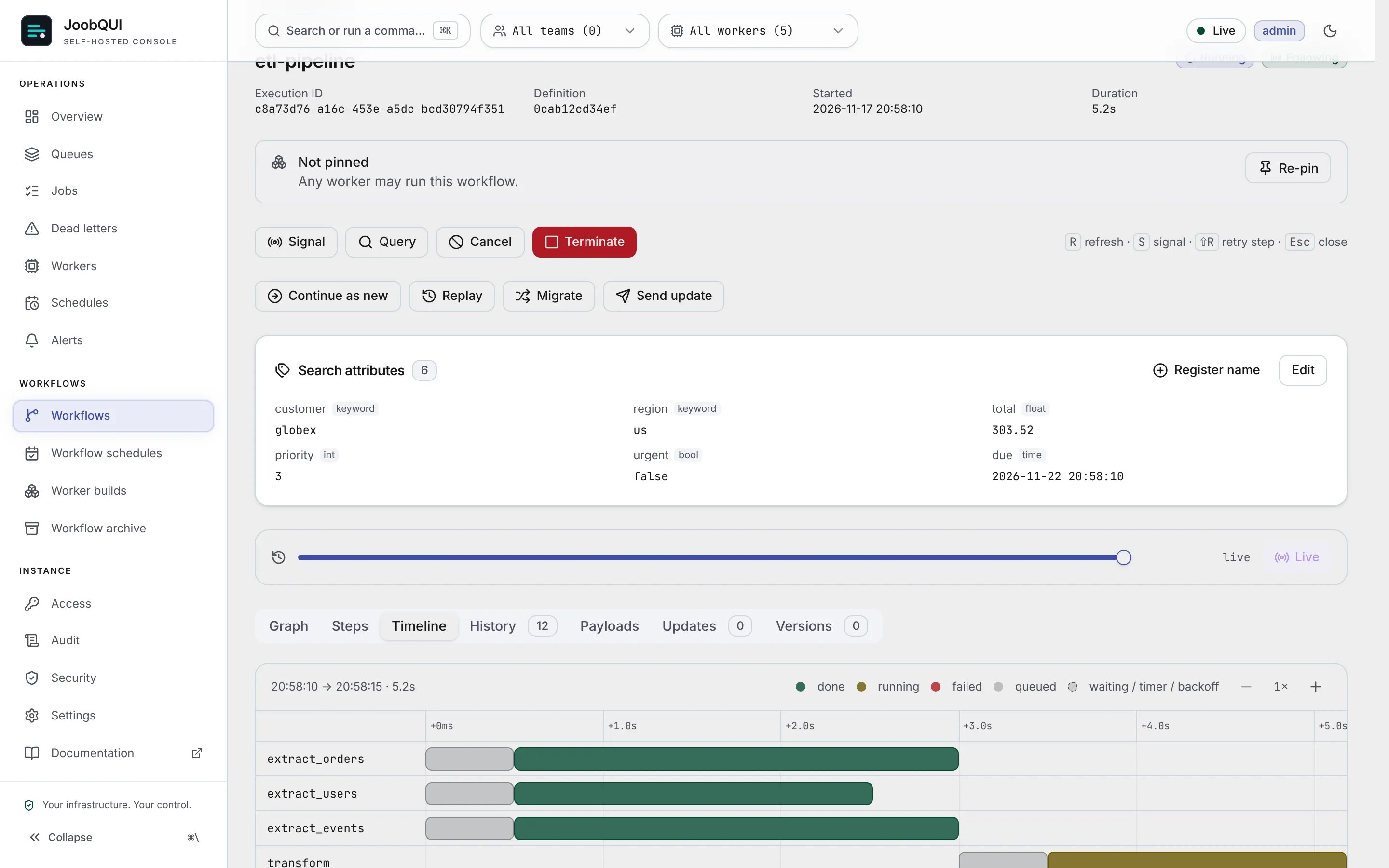
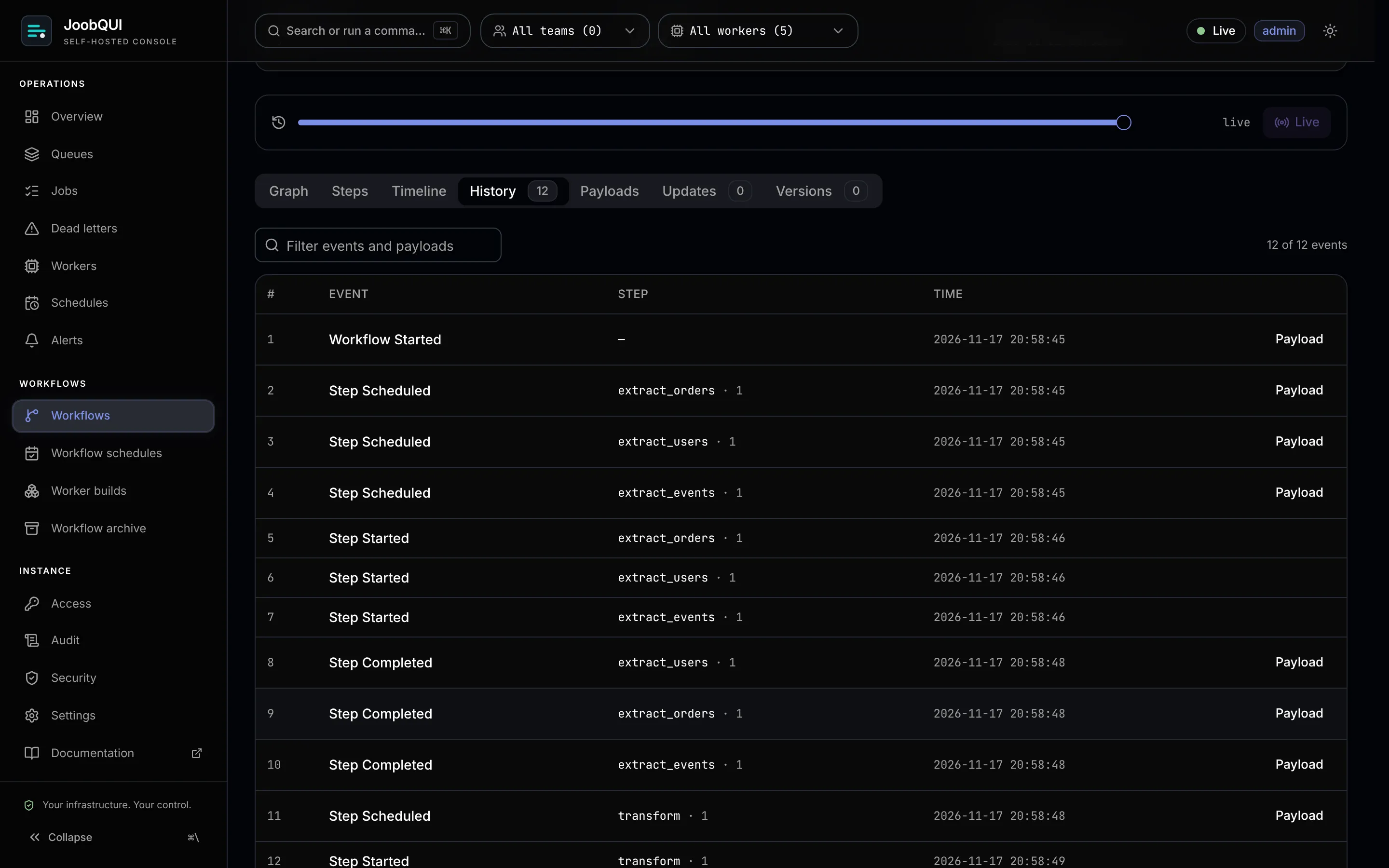
A step names its handler and takes its input from the run’s input or from an earlier step’s output. The engine runs a step when the steps it reads have completed, and the Workflows page lists every run with its status, search attributes and progress.
workflow "conf-steps-#{LANG}" do
  step "a", StepA, input: {x: input(:x)}
  step "b", StepB, input: {v: ref("steps.a.output.doubled")}
end,
Two steps: the second reads the first one’s output.
wf("steps").step("a", step_a, input={"x": input("x")}).step("b", step_b, input={"v": output("a", "doubled")}),Two steps: the second reads the first one’s output.
wf('steps')
  .step('a', async (i: any, ctx: Ctx) => ({ doubled: i.x * 2, tenant: ctx.context.tenant_id }), { input: { x: input('x') } })
  .step('b', async (i: any) => ({ plus_one: i.v + 1 }), { input: { v: output('a', 'doubled') } }),
Two steps: the second reads the first one’s output.
wf("steps")
  .step("a", ->(i, ctx) { { doubled: i["x"] * 2, tenant: ctx.context["tenant_id"] } }, input: { x: input("x") })
  .step("b", ->(i, _ctx) { { plus_one: i["v"] + 1 } }, input: { v: output("a", "doubled") }),
Two steps: the second reads the first one’s output.
wf("steps").
	Step("a", func(in map[string]any, ec *EC) (any, error) {
		return map[string]any{"doubled": num(in["x"]) * 2, "tenant": ec.Meta["tenant_id"]}, nil
	}, joobq.WithInput(map[string]any{"x": joobq.Input("x")})).
	Step("b", func(in map[string]any, ec *EC) (any, error) {
		return map[string]any{"plus_one": num(in["v"]) + 1}, nil
	}, joobq.WithInput(map[string]any{"v": joobq.Output("a", "doubled")})),
Two steps: the second reads the first one’s output.
wf("steps")
    .step_with("a", |i: Value, ctx: &Ctx| Ok(json!({"doubled": i["x"].as_i64().unwrap_or(0) * 2, "tenant": ctx.context.get("tenant_id")})),
        StepOptions { input: json!({"x": input(Some("x"))}), ..Default::default() })
    .step_with("b", |i: Value, _ctx: &Ctx| Ok(json!({"plus_one": i["v"].as_i64().unwrap_or(0) + 1})),
        StepOptions { input: json!({"v": output("a", Some("doubled"))}), ..Default::default() }),
Two steps: the second reads the first one’s output.
wf("steps")
    .step("a", (i, ctx) -> map("doubled", num(m(i).get("x")) * 2, "tenant", ctx.context().get("tenant_id")),
        StepOptions.input(map("x", DSL.input("x"))))
    .step("b", (i, ctx) -> map("plus_one", num(m(i).get("v")) + 1), StepOptions.input(map("v", DSL.output("a", "doubled")))),
Two steps: the second reads the first one’s output.
wf('steps')
    ->step('a', fn ($i, $ctx) => ['doubled' => $i['x'] * 2, 'tenant' => $ctx->context['tenant_id'] ?? null], input: ['x' => DSL::input('x')])
    ->step('b', fn ($i, $ctx) => ['plus_one' => $i['v'] + 1], input: ['v' => DSL::output('a', 'doubled')]),
Two steps: the second reads the first one’s output.
Wf("steps")
    .Step("a", (i, ctx) => Task.FromResult<object?>(new { doubled = Num(i?["x"]) * 2, tenant = ctx.Context.GetValueOrDefault("tenant_id")?.GetValue<string>() }),
        input: new { x = Dsl.Input("x") })
    .Step("b", (i, ctx) => Task.FromResult<object?>(new { plus_one = Num(i?["v"]) + 1 }), input: new { v = Dsl.Output("a", "doubled") }),
Two steps: the second reads the first one’s output.
def steps do
  wf("steps")
  |> step("a", fn input, job -> {:ok, %{doubled: input.x * 2, tenant: job.context["tenant_id"]}} end,
    input: %{x: input("x")}
  )
  |> step("b", fn input, _job -> {:ok, %{plus_one: input.v + 1}} end, input: %{v: output("a", "doubled")})
end
Two steps: the second reads the first one’s output.